
Notification setup for web monitoring
How to match notification channels to urgency and avoid alert fatigue across email, Slack, and webhook routes.
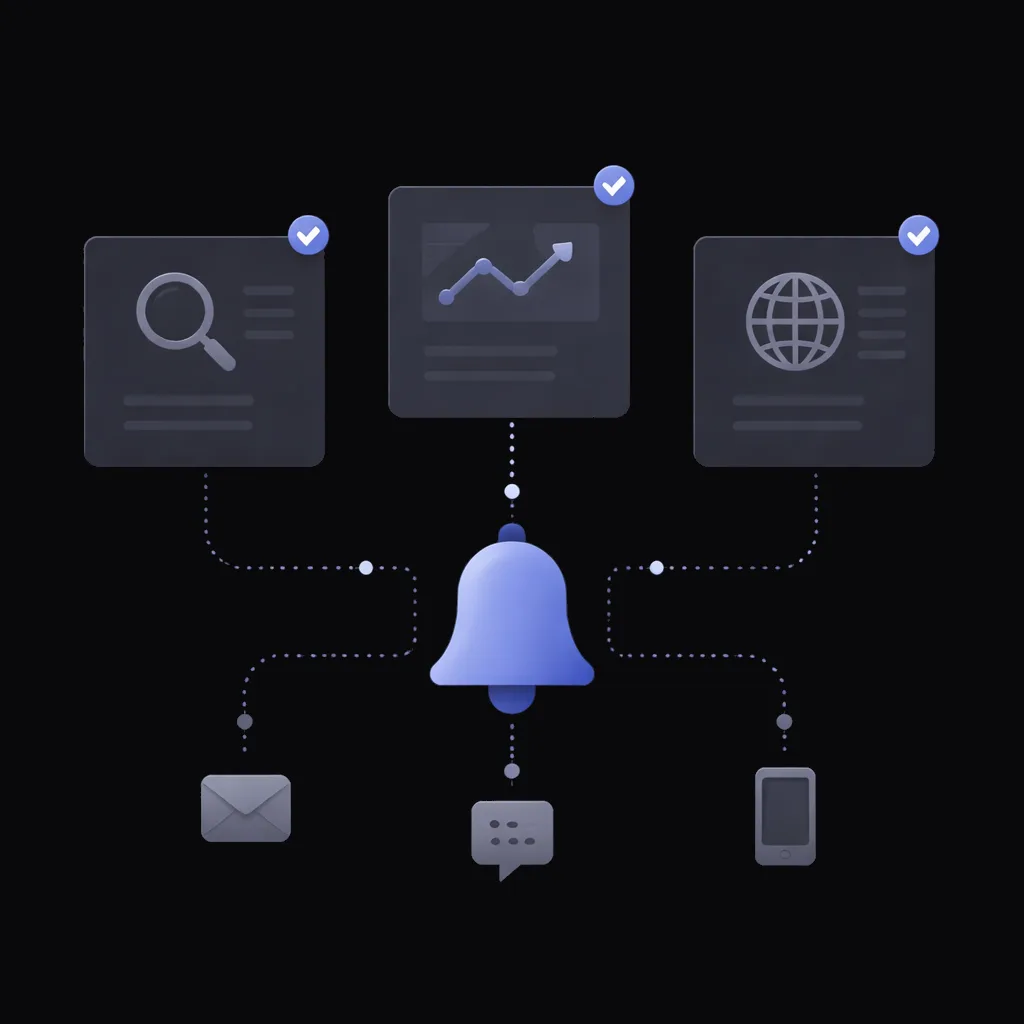
A monitor fires; the notification has to land somewhere a human will actually see it. Email is the universal default — and the easiest channel to start ignoring. Slack works for teams. Webhooks unlock integrations. This guide covers when to use which, and how to set them up without flooding yourself.
Match the channel to the urgency
High-urgency, act-now alerts (a limited-stock restock, a regulatory page update): a Slack channel with notifications on, or a webhook into a tool that pages you. Daily-awareness alerts (competitor publishes a blog post, daily price update): email or a quieter Slack channel. Background tracking with no immediate action needed: an email folder you review weekly. The mistake is treating every monitor as urgent — by week two, the feed is unreadable.
Email notification setup
Email is the default channel for every monitor. To avoid flooding the inbox: use rules in your email client to route monitor alerts to a folder. For shared monitoring (team inbox), set up a distribution list rather than sending to one person's inbox.
Deduplication: the quiet superpower
A monitor that re-alerts on every check while the same condition stays true is a monitor you mute. WebMonitor deduplicates automatically: once an alert fires, no repeat goes out until the matched condition or summary actually changes. That keeps a 30-minute check cadence from becoming dozens of identical emails a day.
Slack webhook setup
Most teams use Slack. The webhook posts alerts into a channel with the change details and a link back. Conventions that work: one channel per monitor category (#price-monitors, #competitor-intel, #stock-alerts), not one channel for everything.
Custom webhook setup
Webhooks unlock integration with anything that accepts a JSON HTTP POST — your own internal tools, Zapier, Make, n8n. The webhook delivers the alert details as JSON. Useful for routing alerts into a docketing system, a ticketing tool, or a custom dashboard.
Preventing alert fatigue
Every team eventually hits the point where alerts become noise. The signals: people stop responding to Slack pings and the email folder gets ignored. Fixes: tighten the criteria (most alerts shouldn't be cosmetic), route lower-urgency alerts to email instead of Slack, drop monitors no one acts on, and review the alert volume monthly. Deduplication does the rest — a condition that stays true shouldn't alert twice.
Related
Guide
Writing effective monitoring criteria
How to phrase plain-English criteria so monitors catch what you want and stay quiet about what you don't.
Read moreSolution
Website uptime monitoring
AI-powered content checks as often as every 30 minutes. When a key page starts erroring, goes blank, or loses the content that matters, you get one clear alert — not a flood.
Read moreSolution
Competitor monitoring and competitive intelligence
Track competitor product launches, pricing changes, hiring activity, and content publishes from one dashboard. Alerts arrive within your check interval — as often as every 30 minutes — on the channel the team already watches.
Read moreTry it on the page you want to monitor
Free to try. No credit card. Paste a URL, write a criterion, see the analysis.
Start free