
Black Friday deal tracking
Set up monitors before Thanksgiving week and get an email when a deal hits your threshold — checks as often as every 30 minutes. Covers Amazon, Walmart, Target, Best Buy, Costco — any retailer with a public product page.
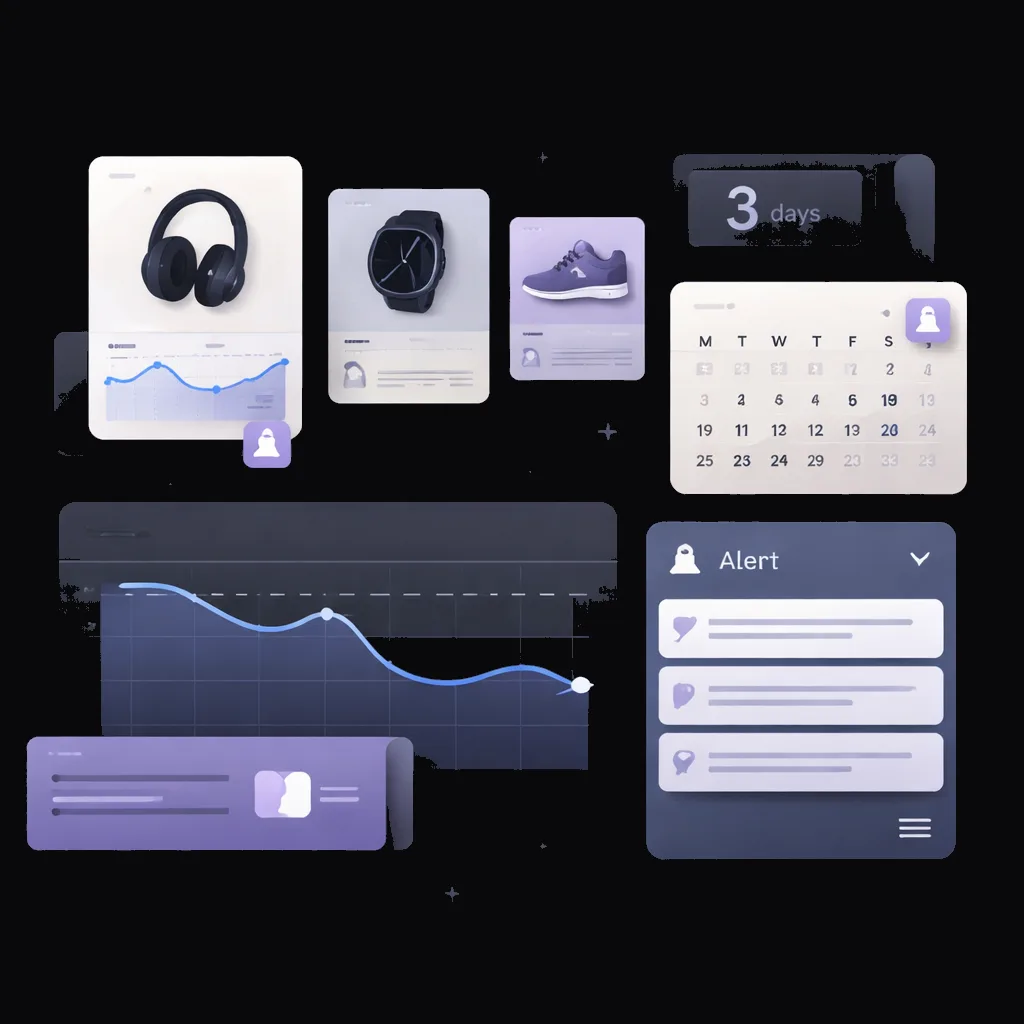
Black Friday and the week leading into it produce more flash deals than any other shopping window of the year. Manual deal-watching means refreshing tabs and missing half the drops. WebMonitor.fyi runs the polling for you — as often as every 30 minutes on Pro during the Black Friday window — and the AI reads the page like you would, emailing a plain-language summary when your threshold hits.
How to set it up
Build the wishlist before Thanksgiving
Start adding product URLs the week before. Plans include up to 5 monitors on Pro, so pick the items that matter most — and trying to set them up during the Friday morning rush is exactly when you don't want to be in the dashboard.
Set a target price per item
For each monitor, the criterion: "alert me when this drops below $X" or "notify me when this is at least 30% off". Specific thresholds beat "any change" — fewer false alerts.
Bump frequency to 30 minutes from Thanksgiving night
The dashboard lets you adjust per-monitor frequency. Bump high-priority items to 30-minute intervals (Pro) starting Thanksgiving evening through Cyber Monday midnight.
Route alerts to Slack for the high-stakes items
Email works for everyday tracking. For limited-stock items, a Slack incoming webhook puts the alert in a channel you're already watching.
Who uses this
- A laptop you've been waiting on — alert when it drops below $X
- Limited-stock console restocks — 30-minute checks, Slack alerts
- Gift-list items with flexible criteria — "alert on any drop"
- Coupon and discount-code activations on specific retailer pages
- Tracking lightning-deal pages where products rotate every few hours
Honest limits
During peak Black Friday traffic, some retailers throttle product pages or briefly serve cached versions. Monitors keep checking on schedule, but a check that lands during throttling may see a slightly stale price. Plan accordingly for the highest-stakes items.
Frequently asked questions
When should I set up Black Friday monitors?
The week before Thanksgiving is the right window. Many retailers start dropping early Black Friday deals 10–14 days ahead, so monitors set up that early catch the early drops too.
Will the monitors keep working through Cyber Monday?
Yes. On paid plans, monitors keep running until you pause or delete them. Cyber Monday extends the deal window — many of the best electronics deals show up Sunday night into Monday.
Can I track competitor pricing during Black Friday too?
Yes — many e-commerce brands use Black Friday weekend specifically to watch competitor pricing for next-year planning. Set monitors on competitor pricing pages for the weekend.
What happens to my monitors after Cyber Monday?
On paid plans they keep running until you change them. After the weekend, bump the frequency back to hourly or daily and leave the monitors as ongoing trackers for the next shopping cycle.
Related
Monitor
Amazon price tracker with stock alerts
Set up an Amazon product monitor in under two minutes. Tell us what to watch in plain English — we send the alert when the price drops or stock returns.
Read moreMonitor
Walmart price tracker with stock alerts
Watch Walmart product pages for price drops, rollbacks, and stock changes. Get notified when something shifts.
Read moreMonitor
Target price tracker with stock alerts
Set up a Target product monitor in two minutes. Get alerts on price drops, RedCard discounts, and stock changes.
Read moreMonitor
Best Buy price tracker with stock alerts
Monitor Best Buy electronics pricing, open-box availability, and high-demand restocks. Alerts arrive within your check interval — as short as 30 minutes.
Read moreUse case
Cyber Monday deal tracking
Catch Cyber Monday deals fast. Checks as often as every 30 minutes on the retailer pages you pick, with an email when your thresholds hit.
Read moreSolution
Price monitoring software for any website
Track the product pages you care about most from one dashboard. Plain-English rules, email, Slack, and webhook alerts, checks as often as every 30 minutes.
Read moreTry it on the page you want to monitor
Free to try. No credit card. Paste a URL, write a criterion, see the analysis.
Start free